(302) 262 8484
Your WordPress Site May Be Hacked

If you manage a website, finding out you have a WordPress plugin backdoor installed is a nightmare scenario. Dozens of popular extensions are currently offline after security researchers discovered malicious code hidden inside them.
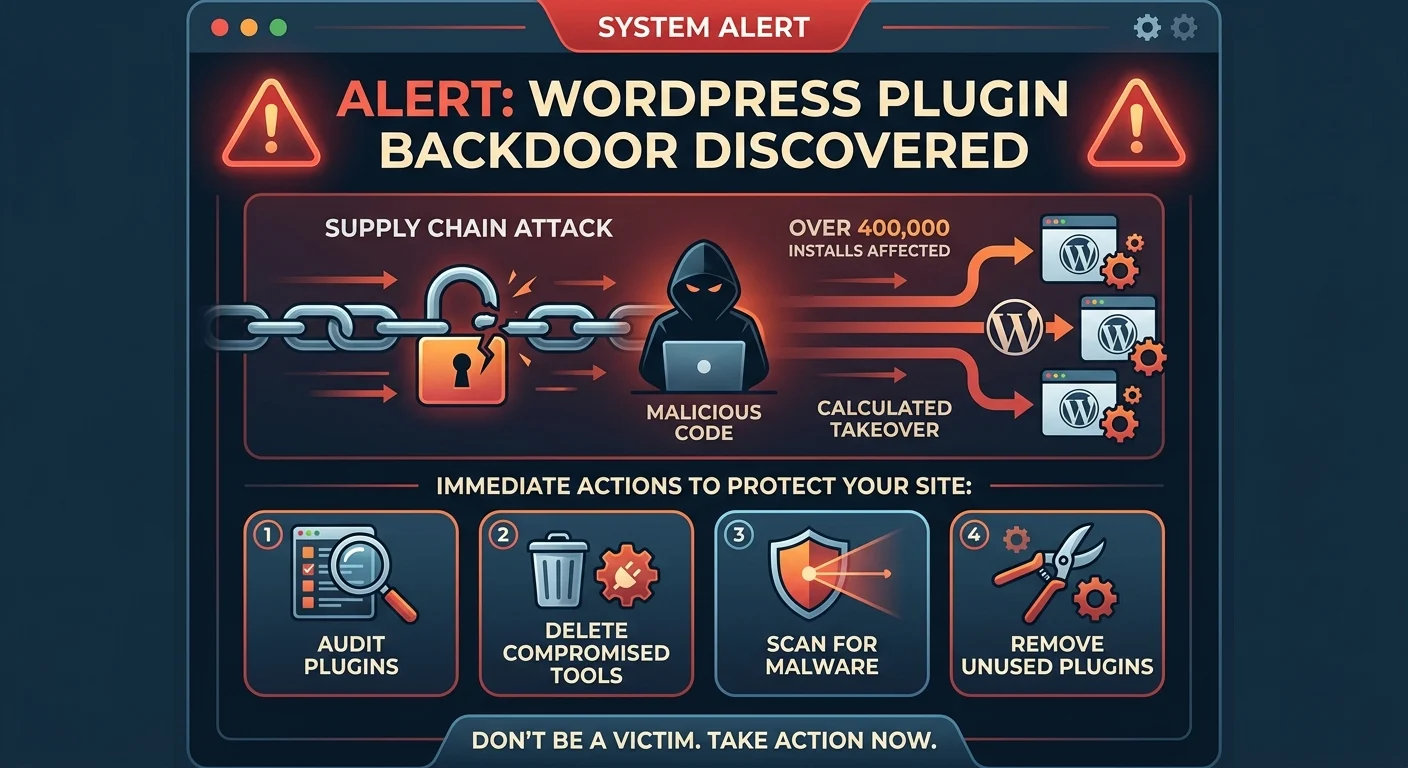
This wasn’t a random hack. It was a calculated supply chain attack targeting sites that relied on these specific plugins.
How the Essential Plugin Supply Chain Attack Happened
The alarm was sounded by Austin Ginder, the founder of Anchor Hosting. He detailed a massive supply chain attack involving a developer known as Essential Plugin.
Here is the scary part. Someone bought Essential Plugin last year and quietly slipped a backdoor into the source code.
The malicious code didn’t execute right away. It sat completely dormant. Then, earlier this month, it woke up and started pushing bad code to every website running the affected plugins.
Are Your WordPress Sites at Risk?
Essential Plugin claims on its website to have over 400,000 installs and 15,000 customers. Official WordPress directory data shows these specific compromised plugins are active on more than 20,000 sites.
Plugins are great for adding features to your site. But they also require high-level access to your installation. When a plugin goes rogue, it opens the door wide for total website compromise, which is why robust small business cybersecurity protection is essential for any site owner.
The Problem with Silent Ownership Changes
This brings up a massive flaw in how the ecosystem works. WordPress users don’t get notified when a plugin changes hands.
You might install a trusted tool from a reputable developer today. Tomorrow, a shady buyer could take over and push a malicious update. You’d never know until it was too late. This is actually the second hijack of this kind discovered in just a few weeks.
Security experts have warned about this tactic for years. Bad actors buy legitimate software just to infect a huge network of computers.
Steps to Secure Your Site Against Malicious WordPress Plugins
The WordPress directory has permanently removed the affected plugins. But that doesn’t magically delete them from your server. You need to take action, and if you are struggling to manage your site’s health, our ongoing website maintenance and support in Delaware can help keep your platform secure.
Here is what you should do right now to protect your site:
- Audit your plugins: Check your installed plugins against Ginder’s published list of compromised tools.
- Delete immediately: If you find a banned plugin, deactivate and delete it right away.
- Clean your site: Run a malware scan to ensure the backdoor didn’t leave behind any secondary infections.
- Prune abandoned tools: Delete any plugins you no longer use or that haven’t been updated in months.
If you want more tips on keeping your setup safe, check out our guide on [WordPress security best practices].
Don’t assume your site is safe just because things look normal on the front end. Take five minutes today to check your dashboard. It could save you hours of cleanup later.