(302) 262 8484
Is Someone Watching? 5 Signs Your Smart Home Camera Has Been Hacked

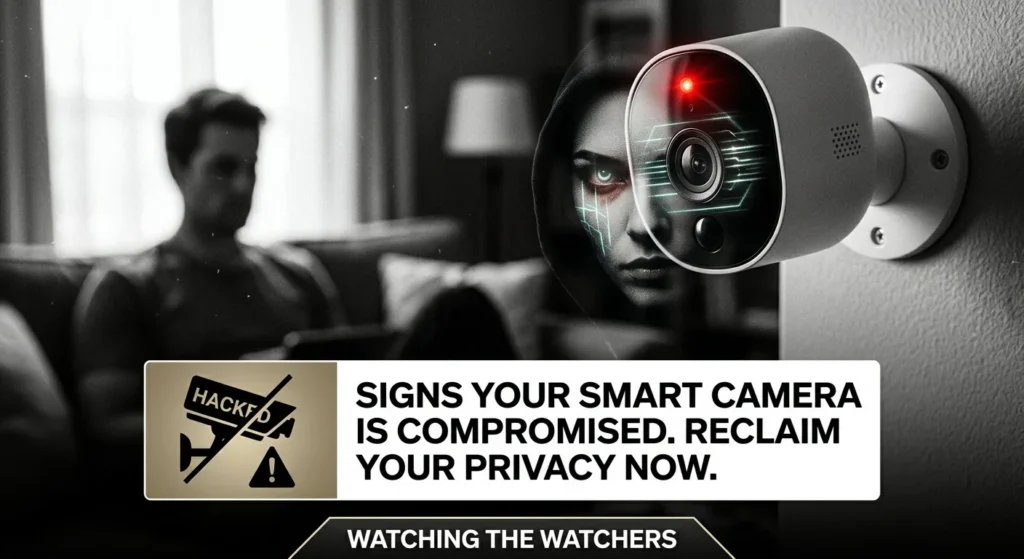
We install smart home cameras to keep our families safe. But what happens when the very device meant to protect you becomes a window for a stranger? It is a terrifying thought, but knowing the signs your smart home camera has been hacked is the first step to reclaiming your privacy.
Why Your Wi-Fi Camera is a Prime Target
Let’s face it. Most of us set up our Wi-Fi cameras, download the app, and never think about small business cybersecurity protection again. But hackers actively scan the internet for vulnerable devices, sometimes using public search engines like Shodan to find exposed IP addresses.
If you leave your camera on its default settings, you are essentially leaving your front door wide open. So what does that mean for you? It means someone could be watching your daily life without you ever realizing it.
Recognizing the Signs Your Smart Home Camera Has Been Hacked
It is easy to assume your camera is safe because it is brand new or from a well-known manufacturer. However, security is only as strong as your weakest setting, which is why you should learn how to tell if someone is watching what you do online. Here are the most common signs that your camera has been compromised.
Physical Signs Your Smart Home Camera Has Been Hacked
Sometimes, the clues are right in front of your eyes. If you notice your camera lens rotating or panning on its own when you are not actively controlling it, that is a huge red flag. While cameras occasionally reboot or run self-calibration cycles, constant, deliberate tracking movements mean someone else is at the controls.
Another chilling sign is hearing strange sounds, static, or voices coming from the camera speaker. Many cameras feature two-way audio, and hackers love to use this to startle or communicate with unsuspecting homeowners. If your camera starts talking to you, unplug it immediately.
Network Signs Your Smart Home Camera Has Been Hacked
Other times, the evidence is hidden in your data. If your home internet suddenly slows to a crawl, or if your router’s administration panel shows your camera is consuming massive amounts of bandwidth, it is likely transmitting data to an unauthorized third party. Hackers often conscript compromised cameras into botnets to launch cyberattacks, which drains your bandwidth.
Now, this is where it matters. You should also watch out for erratic behavior from the camera’s LED indicator light. If the light is blinking or solid when you are not streaming, someone else might be watching the live feed.
What to Do If Your Security Has Been Compromised
If you notice any of these signs, do not panic. Take these immediate steps to secure your home:
- Cut the power: Physically unplug the camera from the wall to instantly stop the breach.
- Change your passwords: Change the password for your camera account, your Wi-Fi network, and any other accounts that share the same login details.
- Enable Two-Factor Authentication: This is your single best line of defense. Even if a hacker gets your password, they cannot access your camera without the verification code sent to your phone.
- Update the firmware: Manufacturers constantly release security patches. Keep your camera’s software up to date to close known vulnerabilities.
Here’s the thing: keeping your smart home safe does not require a degree in computer science. It just takes a little vigilance and a few minutes to configure your settings correctly. For more tips on keeping your digital life secure, see our guide on smart home security.