(302) 262 8484
Understanding How Someone Can Lock You Out of Your Own Computer

Imagine turning on your laptop, typing in your password, and getting an error message. You try again. Still nothing. Suddenly, a screen pops up demanding payment to access your files. This is how someone can lock you out of your own computer. It is a terrifying scenario that happens entirely too often.
Let’s get right to it. Hackers do not need to be sitting at your desk to take over your machine. They use a variety of digital tricks to slip past your defenses. Once they are in, changing your passwords and encrypting your hard drive is incredibly easy.
The Most Common Ways Hackers Take Control
You might think you are safe because you have antivirus software installed. Think again. Cybercriminals are constantly evolving their methods. Here are the primary ways bad actors gain control of your system.
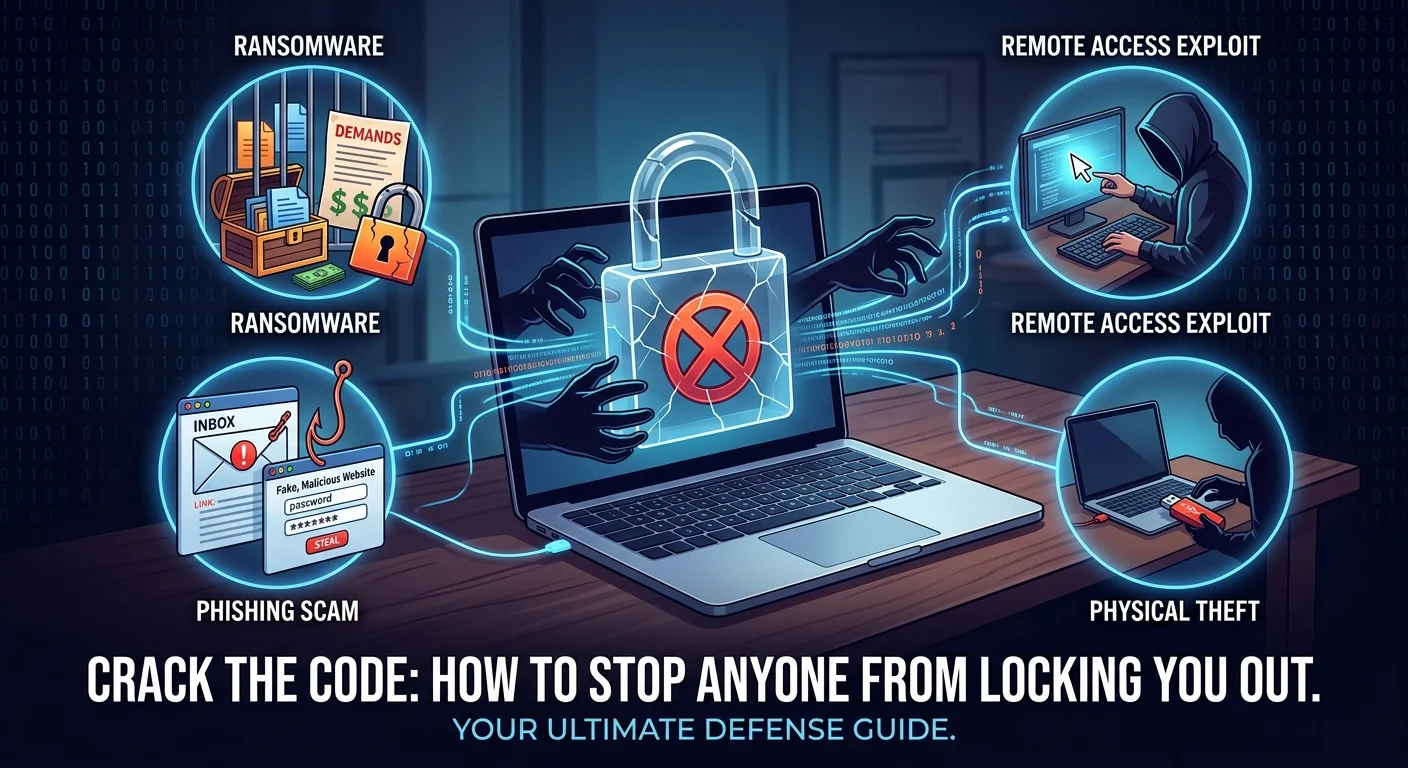
Ransomware Attacks
Ransomware is exactly what it sounds like. It is malicious software designed to hold your digital life hostage. You click a bad link or download an infected file. The software silently installs itself in the background.
Before you know it, your files are encrypted. The attacker holds the decryption key and will not hand it over until you pay up. It is a brutal but highly effective tactic.
Remote Desktop Protocol Exploits
Remote Desktop Protocol lets you access your computer from afar. It is a great tool for remote work. Unfortunately, it is a massive target for hackers.
If your connection is poorly secured, attackers can brute-force their way in. They guess your password using automated software. Once inside, they have the exact same privileges you do. They can change your login credentials and immediately lock you out of your computer.
Phishing and Credential Theft
Phishing remains one of the easiest ways for a hacker to compromise your system. You get an email that looks like it is from Microsoft or Apple. It tells you your account has been compromised and asks you to log in to fix it.
You click the link, enter your password on a fake website, and hand your keys directly to the thief. They log into your actual account, change the recovery options, and shut you out entirely.
Physical Access is a Massive Vulnerability
We spend a lot of time worrying about digital threats. But physical access is just as dangerous. Leaving your laptop open at a coffee shop for two minutes is a terrible idea.
A malicious actor can plug in a specialized USB drive while you are grabbing a napkin. These devices can execute scripts in seconds. They can create a new admin account, change your current password, or install a backdoor.
If someone has physical access to your machine, it is no longer your machine.
How to Stop Someone from Locking You Out
So what does that mean for you? You need to make yourself a hard target by utilizing professional IT consulting to secure your infrastructure. Most hackers are lazy and will move on to an easier victim if you put up basic roadblocks.
Here are the non-negotiable steps you need to take right now:
- Enable two-factor authentication on every single account.
- Keep your operating system updated to patch known security flaws.
- Never leave your laptop unattended in public spaces.
- Disable Remote Desktop if you do not actively use it.
- Use a password manager to generate complex login credentials.
What to Do If You Are Already Locked Out
If the worst happens, do not panic. And whatever you do, do not pay the ransom if you are dealing with ransomware. Paying just funds criminal organizations and there is no guarantee they will actually unlock your files.
First, disconnect your computer from the internet immediately. This stops the attacker from doing further damage or stealing more data. Next, try booting your machine into Safe Mode. Sometimes you can bypass the lock screen and run a malware scan.
If you are completely locked out of your computer at the hardware level, you might need to wipe the drive entirely. This is exactly why keeping regular backups on an external drive is so critical. You can just reinstall the operating system and restore your files.