(302) 262 8484
Why Hackers Love Small Businesses

Running a business takes up all your time. You probably don’t want to spend your weekends worrying about hackers. But understanding cybersecurity basics for non-tech business owners is no longer optional. Cybercriminals actively target smaller companies because they know these businesses usually lack massive IT departments. A single breach can cost you thousands of dollars and ruin your reputation with customers.
The good news is that you don’t need a computer science degree to lock down your company data. A few simple steps can block the vast majority of threats.
Many founders think their company is too small to be a target. Hackers actually prefer small targets. They use automated tools to scan thousands of networks looking for easy ways in. Cybercriminals are rarely sitting in a dark room trying to hack your specific business. They are simply casting a wide net to see who left the front door unlocked.
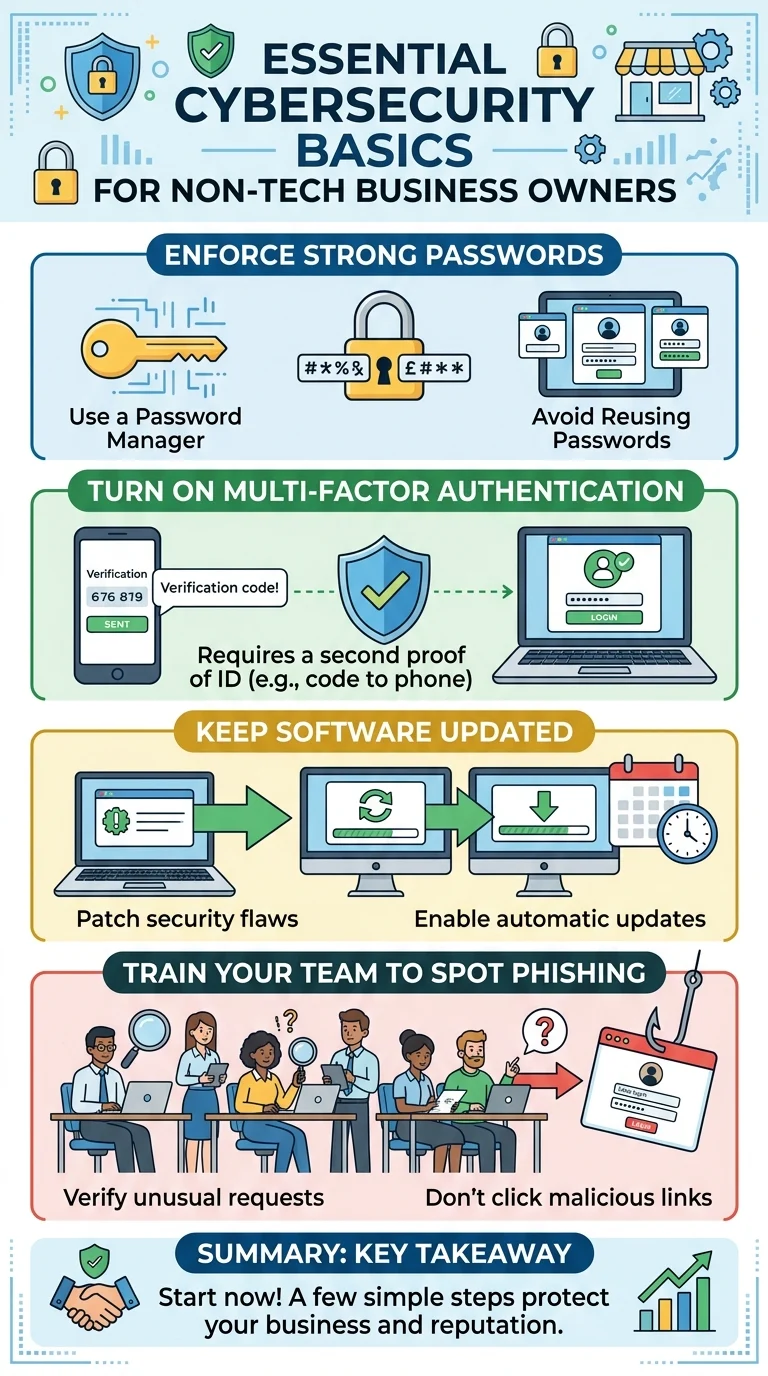
Essential Cybersecurity Basics for Non-Tech Business Owners
You can stop most of these automated attacks by putting a few straightforward rules in place. Here are the exact steps you should take right now to protect your livelihood.
Enforce Strong Password Habits
We all hate remembering passwords. This frustration leads employees to use the same simple password across multiple accounts. If one service gets breached, hackers will try that same password on your business email and banking portals.
Fix this by requiring your team to use a password manager. These tools generate and store complex passwords so nobody has to memorize them. It makes logging in faster and keeps your network much safer.
Turn On Multi-Factor Authentication
Multi-factor authentication is your best defense against stolen passwords. It requires a second form of proof before letting someone log in. This is usually a code sent to a phone or generated by an authenticator app.
Even if a hacker guesses your password, they can’t access your account without your physical device. Turn this feature on for every critical system your business uses, or reach out to us for proactive IT monitoring for small business to ensure your defenses remain active.
Keep Your Software Updated
Software updates are annoying when you are in the middle of a busy workday. Those constant notifications are not just for new features though. Software companies release updates to patch known security flaws.
Hackers rely on businesses ignoring these updates. Set your operating systems and critical software to update automatically overnight so you never have to think about it.
Train Your Team to Spot Phishing
Your security is only as strong as your least cautious employee. Phishing emails are designed to look like legitimate requests from banks, vendors, or even you as the boss. They trick people into clicking malicious links or handing over login credentials.
Teach your staff to verify unusual requests before clicking anything. If an email asks for money or sensitive data, have them call the sender to confirm. For more details on spotting fake emails, check out our related guide on how to spot an email scam before it is too late.
What to Do If You Suspect a Breach
Sometimes things go wrong even when you try your best. If you think someone accessed your systems, you need to act immediately to limit the damage.
- Disconnect the affected devices from the internet right away.
- Change passwords for all critical accounts from a safe, separate device.
- Contact your IT support provider or a security professional.
- Notify your bank immediately if financial information was exposed.
Key Takeaway
You don’t need an enterprise budget to keep your business safe. Focusing on the fundamentals like password managers, multi-factor authentication, and employee awareness will drastically reduce your risk. Taking an hour this week to set up these basic protections will save you massive headaches down the road.