(302) 262 8484
Is Your Privacy Exposed? How to Remove Your Personal Information for Free From Google Search Results

Have you ever googled your own name and felt a cold shiver run down your spine? Finding your home address, cell phone number, and personal email address plastered across the web is incredibly unsettling, but you do not have to pay a sketchy digital cleanup service to fix it. Today, you will learn exactly how to remove your personal information for free from Google search results using a powerful, built-in tool that Google itself provides.
Why Your Private Data is Floating Around Google
Here is the thing: your private data did not end up online by accident. Data brokers constantly scrape public records, voter registries, and social media accounts to build massive profiles on almost everyone. They package this up and sell it, which is how your personal details end up on page one of Google for anyone to see. It is a massive privacy risk, and understanding the reality of modern data privacy is the first step toward taking control of your digital footprint.
Meet the Free Shield: Google’s “Results About You” Tool
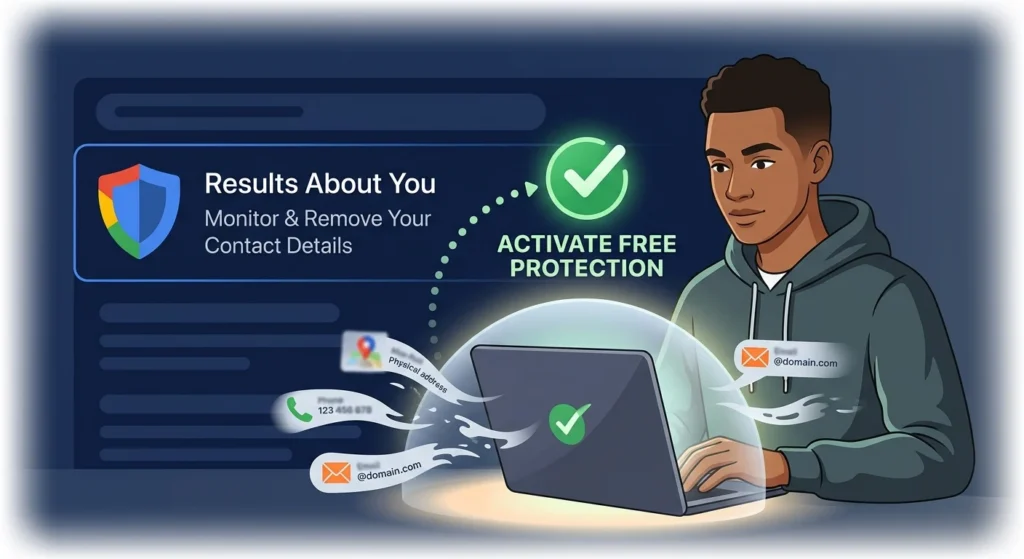
Google has a dedicated hub designed specifically to help you monitor and delete your sensitive contact details from their search index. Instead of manually hunting down every single link, this tool does the heavy lifting for you by scanning the web and alerting you when your information pops up. You can access this dashboard directly at myaccount.google.com/results-about-you.
Once you opt in, Google actively monitors search results for your name, phone number, physical address, and email. If it finds a match, it alerts you so you can approve a removal request in seconds.
Step-by-Step: How to Remove Your Personal Information for Free From Google Search Results
If you want to clean up your digital footprint immediately, you can use the proactive dashboard or request removals directly from live search results. Here is exactly how to do both without spending a single dime.
How to Remove Your Personal Information for Free From Google Search Results Automatically
This is the most efficient way to handle ongoing privacy protection because Google will continue to monitor your name in the background.
- Navigate to the official privacy portal at myaccount.google.com/results-about-you and sign in with your primary Google account.
- Click the Get Started button to begin the setup wizard.
- Enter your full legal name, along with any common variations, nicknames, or maiden names that people might use to search for you.
- Add your contact details, including your current and past home addresses, phone numbers, and email addresses.
- Confirm your information and choose how you want to be notified, either via email or push notifications on your phone.
- Review the results Google finds, select the ones you want gone, and click Request to remove.
Method 2: Requesting Removal Directly From Search Results
What if you are browsing the web and suddenly spot a search result containing your private information? You do not need to log into the dashboard to fix it. You can make a request right then and there, and if you feel like someone is watching your digital moves, you should also learn the easy way to detect spyware on your phone.
- Search for your own name on Google to see what comes up.
- Find the result containing your phone number, address, or email.
- Click or tap the three-dot menu icon next to the search result.
- Select Remove result and choose the option that states it shows your personal contact info.
- Submit the request, and Google will typically review and process it within a few hours to a few days.
The Honest Catch: What Google Can and Cannot Do
Now, this is where it matters. We need to be realistic about what this actually achieves. When Google grants your removal request, they are removing the link from their search results index. This means people will no longer be able to find your phone number or address by typing your name into Google.
So what does that mean for you? It means while your search footprint gets cleaned up, the underlying problem remains. Google does not own the internet. Removing a search result does not delete your personal data from the source website or the data broker hosting it.
If you want the information completely wiped from the source, you have to contact the website owner directly and ask them to delete it. Some people prefer to use paid automated services to clean up these databases, but doing the manual outreach yourself is completely free. For more tips on securing your online life, see our guide on digital privacy basics.
Updating Outdated Search Results
Sometimes, a website owner actually will remove your information, but the old search snippet still shows up on Google. If this happens, you do not have to wait weeks for Google to update. Simply click the three dots next to the outdated result, request a refresh, and Google will recrawl the page to update the snippet.