(302) 262 8484
The Reality of a Digital Disaster

There is a specific kind of panic that sets in when you realize your files are gone. Maybe your hard drive just started making a rhythmic clicking sound. Perhaps a ransomware screen locked you out of your entire system. If you want to recover fast from a data loss nightmare, you need to push past that initial panic and take immediate, calculated action.
Freaking out will not bring your files back.
Making the wrong move right now, however, could erase them forever. Getting your business or personal life back online requires a cool head and a strict sequence of steps.
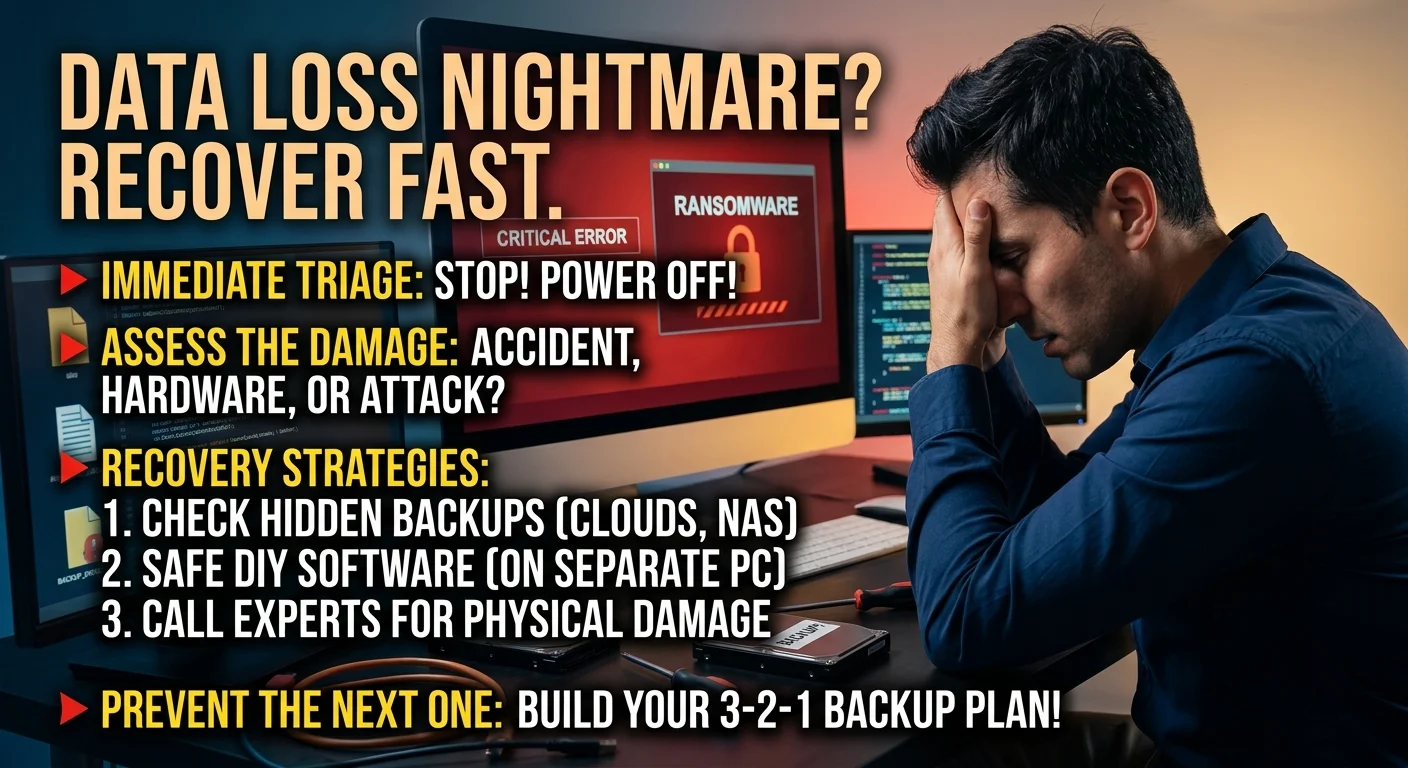
Immediate Triage: Stop Everything You Are Doing
Here is the thing. Most people make data loss significantly worse in the first ten minutes.
If you accidentally deleted critical files or suspect hardware failure, power down the machine immediately. Do not restart it. Do not browse the web for solutions on that same computer. Do not install recovery software on the affected drive.
Every second your computer is running, it writes new background data. That new data can easily overwrite the exact files you are desperately trying to save. Turn it off and step away.
Assess the Scope of the Damage
Once the machine is off, figure out exactly what you are dealing with. Was it a simple accidental deletion? Did a local server crash or do you need professional help with your IT infrastructure? Or are you dealing with a malicious network attack?
Knowing the root cause dictates your next move. A dropped laptop requires a completely different approach than a corrupted Excel spreadsheet. Be honest about what happened, especially if human error is involved.
How to Recover Fast From a Data Loss Nightmare
When the dust settles, it is time to get your data back. The method you choose depends entirely on the health of your hardware and the type of data you lost.
Check Your Hidden and Automated Backups
You might have a backup you completely forgot about. Before doing anything drastic, check your cloud sync services like OneDrive, Google Drive, or Dropbox.
Many of these platforms keep version histories or maintain a secondary trash bin for up to 30 days. You can often roll back a folder to the exact state it was in yesterday.
Check your network attached storage if your office uses one. Sometimes automated backups run quietly in the background, and your lost files are sitting right there waiting to be restored. For more details on finding these hidden safety nets, see our guide on [setting up automated cloud backups].
The Right Way to Use DIY Recovery Software
Data recovery software can be a lifesaver. It can also be highly destructive. I only recommend going the DIY route if your drive is physically healthy and you are dealing with accidental deletion or minor file corruption.
If you decide to run software, you must install it on a completely separate computer. Connect your damaged drive externally using an enclosure or adapter. Running a deep scan directly on a failing drive is a terrible idea that will likely push the hardware over the edge.
When to Hire Emergency Data Recovery Experts
Let us be real. If your hard drive has been submerged in water or smells like burnt plastic, no software in the world is going to fix it.
You need a cleanroom and a professional. Emergency data recovery services are expensive, but if those files are critical business assets or irreplaceable family photos, paying an expert is your only realistic option.
Trying to swap drive platters yourself while watching a YouTube tutorial is a guaranteed way to destroy your data permanently.
Turning a Disaster Into a Wake-Up Call
Getting your files back is only half the battle. Once you survive this stress, you have to make sure you never have to go through it again.
Data loss usually happens because a single system was trusted entirely too much. Hardware fails. People make mistakes. Hackers find loopholes. You have to plan for failure.
Build a Bulletproof Disaster Recovery Plan
You need a backup system that does not rely on you remembering to plug in an external drive every Friday. The absolute best approach is the industry standard 3-2-1 backup rule.
- Keep three total copies of your data. This includes your primary working copy and two backups.
- Store them on two different types of media. Think a local external hard drive and a cloud server.
- Keep one copy offsite. If a fire or flood destroys your office, your remote backup keeps you in business.
If you implement that simple framework today, a dead hard drive tomorrow becomes a minor inconvenience instead of a business-ending catastrophe.
Nobody plans to lose their files. But how you react in those first few crucial moments dictates whether you get them back. Take a breath, secure the affected device, and follow a logical recovery process. You will get through this.