(302) 262 8484
Why is VLC Taking 30 Seconds to Open? Blame This Windows Defender Bug

Have you tried double-clicking an MP3 or a video file lately, only to sit there staring at a frozen screen for thirty seconds? You aren't the only one. A recent Windows 11 update just triggered a really weird conflict that's causing VLC to completely stall out, freeze, or just fail to launch. Instead of your video popping right up, the player just hangs. Your system is basically choking behind the scenes, which is why proactive IT monitoring for small business is so essential for maintaining performance.
So, What's the Drama with Windows 11 Breaking VLC?
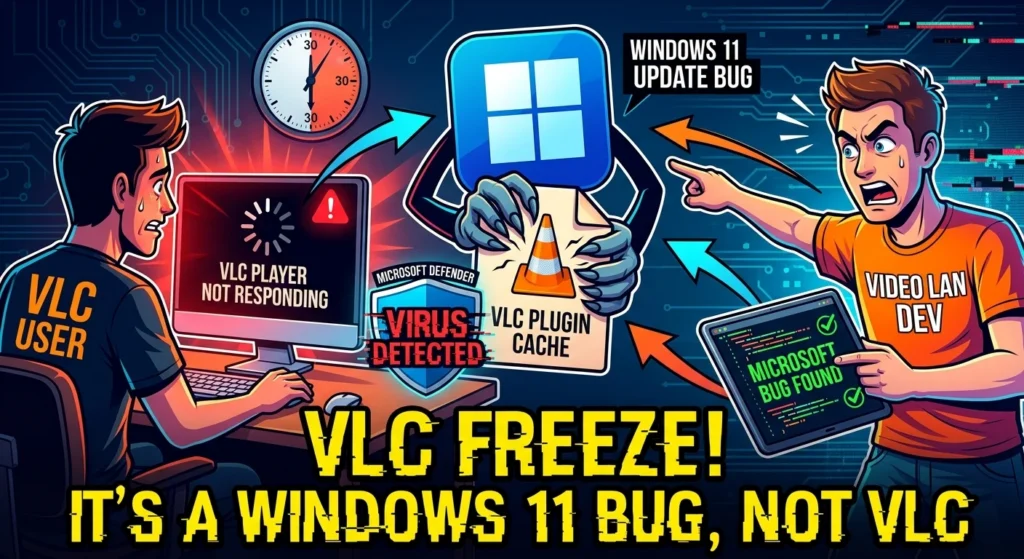
This whole thing blew up when Jonathan Blow—the famous game designer—went on social media to complain. He was pretty annoyed that it took VLC 33 seconds just to play a basic audio file. He blamed open-source software, basically saying it had become an embarrassing mess. But the team behind VLC, VideoLAN, wasn't about to take that sitting down.
They fired right back. They pointed out that the media player wasn't actually the problem at all. Instead, they traced this massive lag straight back to a bug in Microsoft Defender. A recent definition update just started flagging VLC's plugin cache. It was quarantining the file like it was some kind of nasty virus, a common issue addressed by our professional virus and spyware removal services.
What's Actually Going On Under the Hood?
To get why this happens, you have to look at how VLC is built. It isn't like those other players that just cram everything into one massive file. VLC is super modular. It relies on hundreds of separate plugins, codecs, and modules. And it only loads them when it actually needs them.
To keep things snappy, VLC keeps a map of all these modules in a file called plugins.dat. That's the plugin cache. This file saves VLC from having to scan its entire installation folder every single time you open a video. But here's the catch. When Microsoft Defender quarantines that cache file, VLC panics. It's forced to manually scan every single plugin from scratch on launch. And that is exactly what causes that agonizing 30-second delay.
> "This is because of a bug from Microsoft Defender in one update of Windows 11, who magically made VLC plugins cache quarantined by Windows. Reinstalling VLC or regeneration of the plugin cache will fix this."
How We Can Fix This Playback Delay
So, where does that leave us? The good news is you definitely don't have to give up VLC and switch to Microsoft's default media players. You can fix this whole mess in a couple of minutes with a few quick tweaks, or reach out for personalized IT solutions for small businesses if you encounter more complex system errors.
Step 1: Tell Windows Defender to Back Off
First, we need to add a folder exclusion. We have to explicitly tell Windows Defender to leave the VLC installation folder alone. This stops the antivirus from constantly scanning and blocking the player's background files.
- Hit your Windows Start menu and type in Windows Security.
- Click on Virus & threat protection from the main dashboard.
- Look for the Virus & threat protection settings header, then click Manage settings.
- Scroll all the way down to the bottom and click Add or remove exclusions.
- Click Add an exclusion, pick Folder from the dropdown, and find your VLC folder. Usually, it's sitting right at C:Program FilesVideoLAN.
Step 2: Rebuild the VLC Plugin Cache
Now that Defender is ignoring the folder, we have to rebuild the cache file it ruined. Honestly, just reinstalling VLC is the easiest way to handle this for most people.
But if you don't want to bother downloading the installer again, you can force VLC to rebuild the cache manually. It's super fast. Just open up your command prompt and run `vlc –reset-plugins-cache`. That will instantly get your startup speeds back to normal.
Why Are Antivirus False Positives Getting So Bad?
This is the part that really matters. This is hardly the first time Microsoft Defender has caused massive headaches for both developers and regular users. In the past, bad Defender updates have blocked Google Chrome, broken popular game launchers, and even flagged Microsoft's own Edge browser as malware.
Security is obviously important. But these hyper-aggressive scans are just getting in the way of our actual work. For now, the best way to keep your machine running smoothly is to just take matters into your own hands and set up these manual folder exclusions.