(302) 262 8484
You Need To Update Google Chrome Right NOW

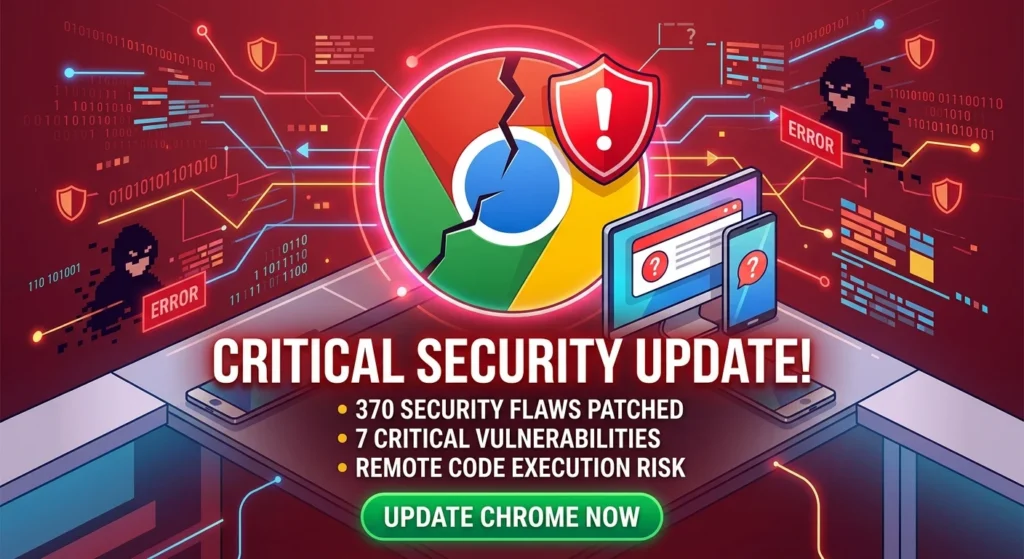
If you’re reading this on your computer, there’s a really good chance you’re using Chrome. And you need to update it right now. Seriously. Google just pushed out a massive update that patches 370 security flaws, and some of them are bad enough to leave your entire system wide open.
Why You Need to Update Chrome Immediately
Look, I know browser security usually feels like an endless game of whack-a-mole. But this latest release is a big deal. Chrome version 151 fixes a ridiculous number of vulnerabilities all at once. Out of those 370 patches, security researchers are sweating over seven critical-severity bugs in particular.
If you put off this update, you’re leaving the door open for remote code execution and other threats that require professional small business cybersecurity protection. In plain English? A hacker could theoretically run malware on your machine just because you clicked a link and visited a compromised website. Just like that.
The Critical Bugs This Update Fixes
Most of the really bad bugs in this batch fall under something developers call “use-after-free” vulnerabilities. Basically, a program keeps trying to use memory space after it’s supposedly been cleared out. Attackers love this. They can hijack that leftover memory and use it to run their own malicious commands.
This update locks down those memory leaks across a few core parts of the browser:
- Compositing (CVE-2026-17650): This one messes with smooth-scrolling and how animations render on your screen.
- Views (CVE-2026-17652): This impacts Chrome’s C++ user interface toolkit.
- Skia (CVE-2026-17653): A flaw buried right in the core graphics library.
- Ozone (CVE-2026-17656): This hits the component that handles your graphics and inputs.
We’re in a New Era of AI Attacks
Here’s where things get interesting. Google is actually using its own Gemini AI models to hunt down these bugs. That’s why they’re finding so many of them so fast. They’ve actually patched over 1,000 security issues in recent updates. That is more than the last two years combined.
But there’s a catch. Hackers are using AI, too. The second these patches are announced, bad actors use artificial intelligence to reverse-engineer them and figure out what was broken. That creates a really dangerous “patch gap” between the time Google writes the fix and the time you actually install it. It’s gotten so intense that Google is testing out a new schedule to push security updates twice a week.
How to Force the Chrome Update Right Now
Chrome normally updates itself in the background. But with a patch this massive, you really shouldn’t leave it to chance, especially if you rely on proactive IT monitoring for small business to keep your systems stable. (If you want more details on locking down your setup, check out our guide on [browser security best practices]).
To force the update right now on Windows, Mac, or Linux, just follow these quick steps:
- Click the three vertical dots up in the top-right corner of Chrome.
- Hover over Help near the bottom of that menu.
- Click on About Google Chrome.
- Chrome will automatically check for updates and start downloading the newest version.
- When the download finishes, just click Relaunch to apply the fix.
Keep in mind, the update doesn’t actually do anything until you restart the browser. And don’t worry if you have twenty tabs open. Chrome will restore all of them the second it boots back up.
Don’t Put This Off
So, what’s the takeaway here? Stop what you’re doing and take thirty seconds to restart your browser. It’s a minor annoyance right now that will save you from a massive headache later. Keep your software up to date. Stay safe out there. And seriously, don’t let a random memory bug ruin your week.