(302) 262 8484
Why Are Your Business Emails Going Straight to Spam?

It is incredibly frustrating when you spend time crafting the perfect message only to realize your business emails going straight to spam. You hit send, wait for a reply, and hear absolutely nothing. Later, your client or prospect casually mentions they found it buried in their junk folder.
This kills your open rates. It hurts your bottom line.
But this does not happen by accident. Email providers have strict filters to protect their users. If you are getting flagged, you are likely tripping one of their hidden wires. Let’s look at exactly why this happens and how to fix it.
There is usually a logical explanation when your messages miss the inbox. Most of the time it comes down to a mix of technical setup and how you actually write your emails.
You ignored the technical setup
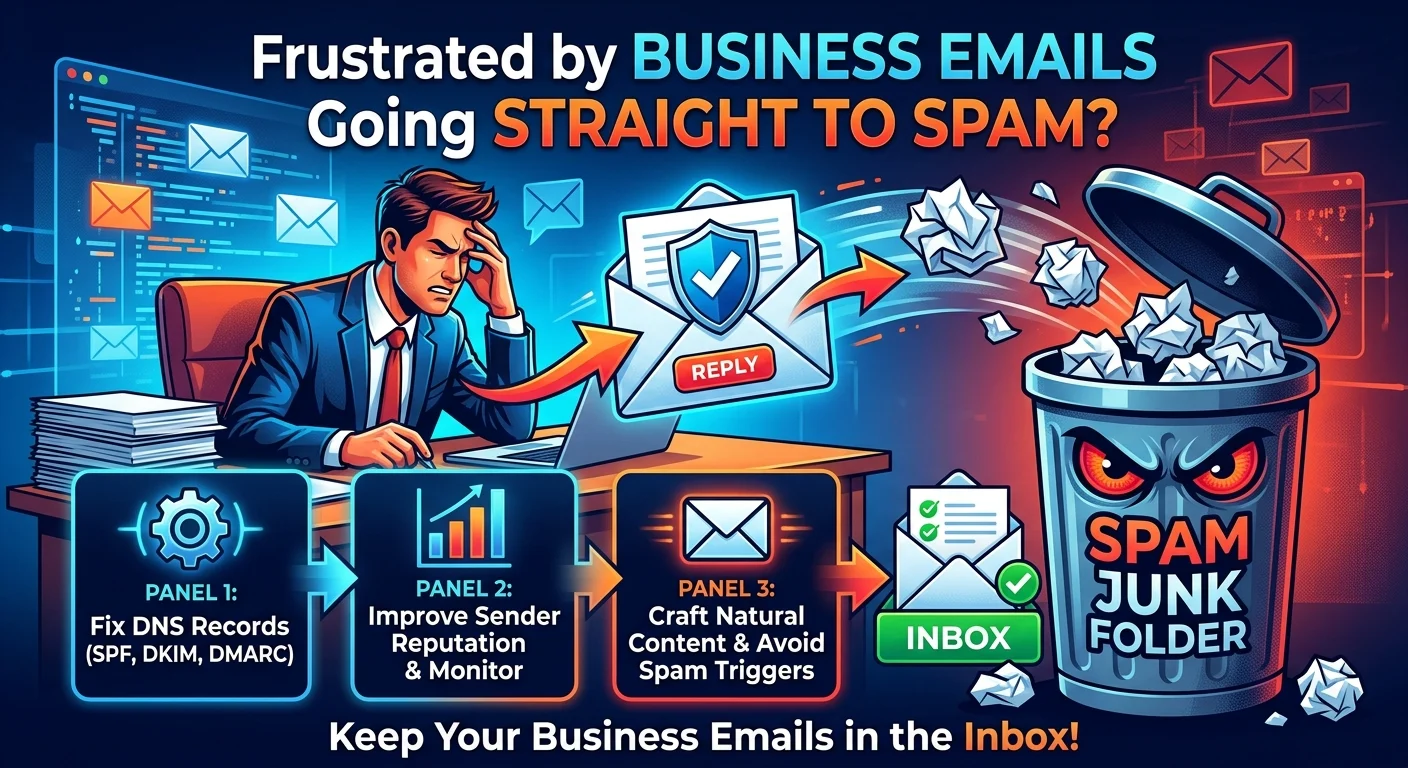
This is the boring stuff, but it is absolutely non-negotiable. If you just bought a domain and started firing off messages without configuring your DNS records, you are asking for trouble, which is why many owners rely on professional IT infrastructure for small businesses to ensure everything is set up correctly. Email giants like Google and Yahoo have drawn a hard line here.
They look for three specific records to verify your identity.
- SPF (Sender Policy Framework): This tells the receiving server which IP addresses are allowed to send emails on your behalf.
- DKIM (DomainKeys Identified Mail): Think of this as a digital signature that proves your email was not tampered with in transit.
- DMARC (Domain-based Message Authentication): This ties SPF and DKIM together and tells the receiver what to do if an email fails those checks.
Setting these up takes maybe twenty minutes. If you skip this step, you look exactly like a scammer to an automated spam filter.
Your sender reputation is in the gutter
Email providers keep a close eye on how people interact with your messages. They assign a score to your domain and your IP address. If that score drops too low, your emails get routed to the junk folder automatically.
What hurts your reputation? High bounce rates are a major factor. If you send emails to addresses that no longer exist, it tells the filters you have a low-quality list. Low open rates and high spam complaints will also destroy your sender score.
How to check your sender score
You do not have to guess where you stand. You can check your reputation using free tools like Google Postmaster. If your reputation is bad, it takes time and consistent good behavior to rebuild it, often requiring proactive IT monitoring for small business to ensure your digital communications remain secure and reliable.
Content Triggers That Ruin Deliverability
Sometimes the problem is right there in the body of your message. Spam filters actively scan your text for red flags.
Here is the thing. Writing like a late-night infomercial will get you penalized. Avoid words like “free”, “guarantee”, or “act now” in your subject lines. Using all caps and excessive exclamation points is another fast track to the spam folder.
You also need to watch your link-to-text ratio.
Dropping five different links into a three-sentence email looks highly suspicious. Keep it to one clear call to action. If you need help structuring your messages better or managing your digital presence, check out our professional website redesign in Delaware. guide on [email copywriting best practices].
The problem with image-heavy emails
Beautifully designed emails look great. But sending an email that is essentially one giant image is a terrible idea.
Spammers used to hide text inside images to bypass filters. Because of that history, email providers still view image-heavy emails with extreme suspicion. Always include plenty of actual text alongside your graphics.
How to Keep Your Emails in the Inbox
Fixing your deliverability requires a proactive approach. You cannot just cross your fingers and hope for the best.
Clean your list regularly
Stop holding onto dead contacts. If a subscriber has not opened an email from you in six months, cut them loose. Sending messages to unengaged users actively harms your ability to reach the people who actually want to hear from you.
Make it easy to unsubscribe
This sounds counterintuitive. Why would you want people to leave?
Because the alternative is much worse. If a user cannot find your unsubscribe link, they will just hit the spam button instead. A few spam complaints will do far more damage to your sender reputation than a handful of unsubscribes.
Your business emails going straight to spam is a solvable problem. Fix your DNS records, write natural content, and respect your subscribers. The inbox placement will follow.