(302) 262 8484
Why IT Experts Refuse To Install This Popular Software (And What To Use Instead)

Have you ever downloaded a free tool hoping it would magically make your computer run faster? You aren’t alone.
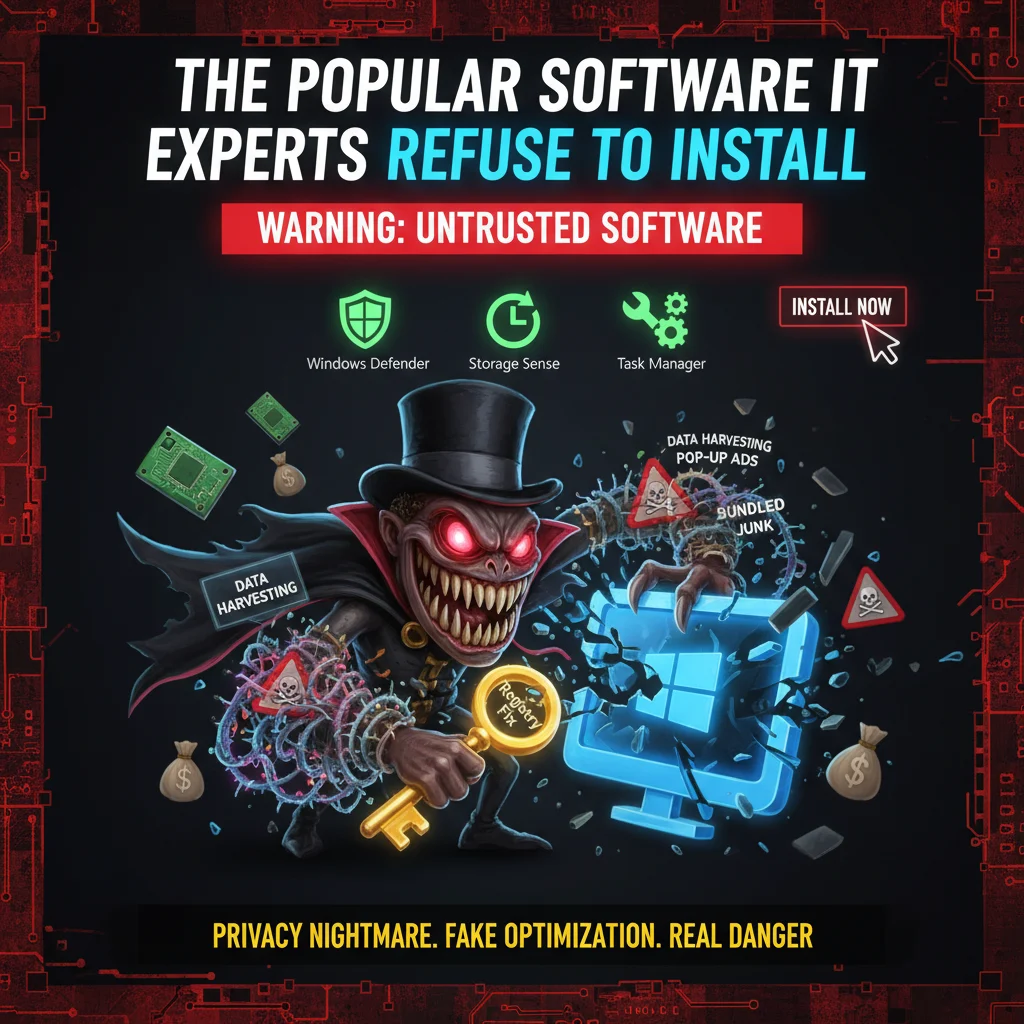
But there is a specific category of popular software IT experts refuse to install on their own machines. Worse, they actively uninstall it the second they find it on a client’s computer. We are talking about third-party PC cleaners and registry optimizers.
The Popular Software IT Experts Refuse to Install
Back in the Windows XP days, these tools actually served a purpose. Hard drives were tiny. Computers got bogged down easily. Fast forward to today, and the landscape is completely different.
Modern operating systems are incredibly good at managing their own resources. When you install a third-party optimizer, you usually just add dead weight to your system.
The Registry Cleaner Myth
Let’s talk about the registry. This is the central database where Windows stores all its vital configuration settings. Optimization software loves to tell you that your registry is full of errors that need fixing.
Here is the reality.
Leaving orphaned registry keys alone does absolutely zero harm to your computer. Deleting the wrong key, however, can literally destroy your operating system. That massive risk is exactly why this remains the top popular software IT experts refuse to install.
What Actually Happens Behind the Scenes
So what are these programs really doing when they run those flashy scanning animations? Most of the time, they just clear your browser cache, which you can learn to do properly in our guide on why you need to clear your browser cache, and empty your recycle bin. You can do that yourself in about ten seconds.
Here is what you actually get when you download these tools:
- Constant background monitoring: They run all day and night, eating up the exact system resources they claim to free up.
- Aggressive upselling: You will get constant pop-ups warning you about fake threats to push you toward a paid version.
- Bundled junkware: Many free installers sneak in browser extensions or unwanted trial software.
- Data harvesting: Free software is rarely actually free. Your browsing habits are often tracked and sold.
The Privacy Nightmare You Didn’t Ask For
That last point is worth repeating. Many of the most downloaded free optimization tools have been caught red-handed collecting user data. Some have even been compromised by hackers to distribute malware to millions of users at once, necessitating a professional malware removal service in Delaware to clean up the infection. It is a massive security blind spot that highlights the importance of proactive IT monitoring for small business to prevent such vulnerabilities.
The Alternatives IT Professionals Actually Use
You don’t need to pay for a third-party tool to keep your computer running smoothly, as our team provides expert PC repair in Delaware to help maintain your system’s health. Everything you need is already built right into your operating system.
Windows Tools You Should Be Using
If you use a PC, type Storage Sense into your start menu. This built-in Windows feature automatically cleans up temporary files and manages your storage space. It does exactly what the paid tools do. The difference is it won’t break your computer or spy on you.
Need to manage what starts up with your computer? Just open the Task Manager. The Startup tab lets you disable resource hogs with a single click. Check out our guide on [basic computer maintenance] to learn exactly how to set these features up.
How to Spot Software IT Experts Avoid
How do you know if a program is more trouble than it is worth? Look for the obvious red flags.
If a program promises to boost your internet speed by 500 percent, it is lying. If it claims to fix thousands of hidden PC errors in seconds, run the other way.
Trust your gut. If a tool uses scare tactics or confusing countdown timers to make you buy a premium version, it is not legitimate optimization software. It is scareware.
The next time you are tempted to download a quick fix for a slow computer, pause for a second. Stick to the tools your operating system already provides. Your computer will run better, and your data will stay private.