(302) 262 8484
The Secret USB-C Feature Most People Ignore Completely

The USB-C Feature Most People Ignore Completely
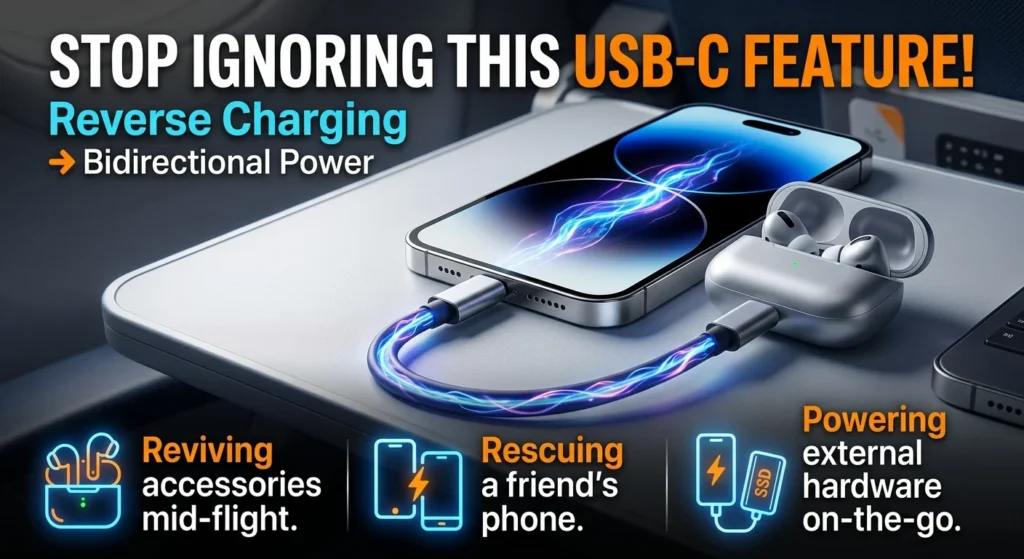
Most of us look at the oval port on our devices and see a simple slot for a charger. But you are likely missing out on bidirectional power delivery, also known as reverse charging. This capability allows your smartphone, tablet, or laptop to act as a portable power bank, letting you charge other devices directly through a standard USB-C to USB-C cable.
USB-C is not just a physical connection designed to let you plug a cable in either direction. It is an intelligent communication system. Once you understand how to use it, your phone becomes an active, on-the-go power source rather than a passive consumer.
How Bidirectional Power Works Behind the Scenes
Unlike older USB ports, USB-C does not operate on a strict one-way street. Using a protocol called USB Power Delivery (USB-PD), connected devices negotiate their roles in real time.
When you connect two compatible devices with a USB-C to USB-C cable, they immediately start a digital conversation. One device tells the other how much battery life it has left. If your friend’s phone is running low and yours is fully charged, your phone automatically switches its role from a receiver to a provider, pushing power out of its own battery to charge their device.
This means you do not necessarily need to carry a bulky external battery pack just to keep your accessories running.
Three Practical Ways to Use Reverse Charging Today
Once you know this capability exists, you will spot opportunities to use it. Here are a few common scenarios where reverse charging is particularly useful.
- Reviving dead accessories: If your wireless earbuds die mid-flight, you can plug their charging case directly into your phone to recharge them.
- Rescuing a friend: Whether you use a modern iPhone or a flagship Android device, you can share battery power directly with another phone without needing a wall outlet.
- Powering external hardware: You can run portable solid-state drives or USB-C-to-Ethernet adapters directly from your phone’s battery, turning your mobile device into a functional workstation that supports your personalized IT solutions for small businesses.
The Catch: Your Cable Might Be Bottlenecking You
You cannot just grab a random, cheap cable from a gas station checkout counter and expect this to work.
High-quality USB-C cables contain a tiny computer chip called an e-marker. This chip tells your devices exactly how much wattage and data speed the cable can safely handle. If you use an unrated cable that lacks this chip, your devices will play it safe. They will cap your power transfer at a crawl or refuse to reverse charge altogether to prevent overheating.
To make sure you have the right gear, check out our guide on [how to identify high-quality USB-C cables] to avoid buying dangerous duds.
Stop Treating Your Port Like a Dumb Charger
It is easy to stick to old habits, but the technology in your pocket has evolved. USB-C was designed to unify our devices, and bidirectional power is a major part of that standard.
The next time you are out and your accessories start flashing red, grab a quality cable, plug it into your phone, and let the smart circuitry handle the rest.