(302) 262 8484
Why People Lose Access to Their Accounts Every Day

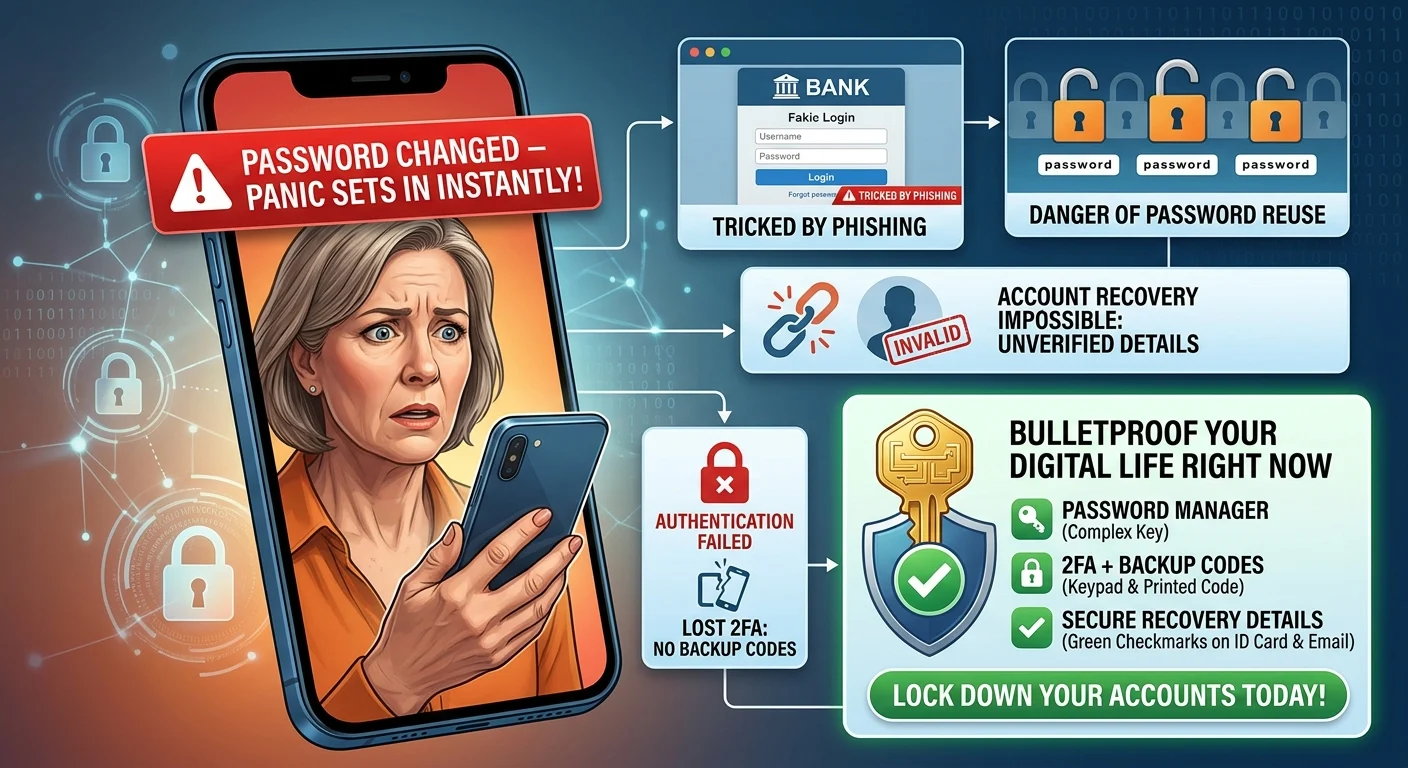
You wake up, grab your phone, and open your email. A red banner tells you your password was changed an hour ago. Panic sets in instantly.
People lose access to their accounts like this every day. It is rarely because of some sophisticated hacker in a dark room. Usually, it comes down to a few basic mistakes that are incredibly easy to make.
It is easy to think you are too smart to get hacked. We all like to believe we can spot a scam from a mile away. The reality is much more mundane. You do not need to be a high-profile target to lose your digital life.
The Sneaky Evolution of Phishing
Forget the poorly spelled emails from foreign princes. Today, phishing is highly targeted and incredibly convincing.
You might get a text that looks exactly like an alert from your bank. It tells you there is suspicious activity and provides a helpful link to secure your account. You click, log in, and just like that, the bad guys have your credentials.
These fake login pages look identical to the real thing. Even tech-savvy people fall for them when they are in a rush.
The Danger of Password Reuse
Here is the thing. If you use the same password for your email and your favorite food delivery app, you are asking for trouble.
When that food app suffers a data breach, hackers do not just stop there. They take your email and password combination and test it across hundreds of other sites using automated scripts. Once they get into your primary email, it is game over.
They can reset passwords for almost everything else you own. Your bank, your social media, your shopping accounts. All of it.
The Mistakes That Make Account Recovery Impossible
Getting hacked is bad. But realizing you cannot get your account back is an absolute nightmare.
When you lose access to your accounts, the recovery process is your only lifeline. Unfortunately, a lot of people sabotage this process years before they actually need it.
Lying About Your Details
Did you use a fake birthday when you signed up for Facebook ten years ago? That might have seemed like a clever privacy move at the time.
Now, this is where it matters. When you are locked out and the platform asks for your date of birth to verify your identity, you are stuck. You cannot prove you are the account owner.
The same goes for security questions. If you used a joke answer for your mother’s maiden name and forgot it, you are locked out for good.
Losing Your Two-Factor Authentication
Two-factor authentication is amazing. I highly recommend it for every account that supports it. But it can backfire if you do not have a backup plan.
If your phone breaks or gets stolen and you rely entirely on an authenticator app, you might find yourself completely locked out.
Always save those backup codes. Print them out and put them in a physical drawer. Do not just leave them in a folder on your desktop.
How to Bulletproof Your Digital Life Right Now
You do not need to be a cybersecurity expert to lock down your accounts. You just need to build a few good habits.
So what does that mean for you? Start with these basic steps:
- Use a password manager. This is non-negotiable. It lets you generate long, unique passwords for every site without having to memorize them.
- Turn on two-factor authentication. Use an app rather than text messages if possible, and always save your backup codes.
- Audit your recovery emails. Make sure the backup email address attached to your main account is one you actually still use and can access.
- Check your linked phone numbers. Carriers recycle old phone numbers. If an old number is still linked to your account, a stranger could intercept your recovery texts.
Do not wait until you are staring at a login error screen. Take ten minutes today to review your security settings. If you need help getting started, check out our guide on [setting up a password manager].
Your future self will thank you.