(302) 262 8484
This Free App Unlocks Hidden Windows Features Instantly

Microsoft regularly downloads fully finished, experimental features to your computer during standard updates, but keeps them locked behind dormant code. If you want to unlock hidden Windows features instantly, you do not have to wait for Microsoft to decide your machine is ready for their latest rollouts.
A free open-source tool bypasses the slow rollout queue entirely. Whether you want to test-drive a redesigned Start menu, try out experimental taskbar layouts, or access system tweaks weeks before anyone else, this tool makes it happen, much like how our professional website solutions can help you stay ahead of the competition.
The Secret Windows Upgrades Already Sitting on Your Hard Drive
Microsoft relies on staged rollouts. They send new features to millions of PCs, but keep them switched off to monitor for bugs and collect diagnostic data before slowly turning them on for everyone. This means your computer might already have the code for the next major Windows upgrade, just waiting to be activated.
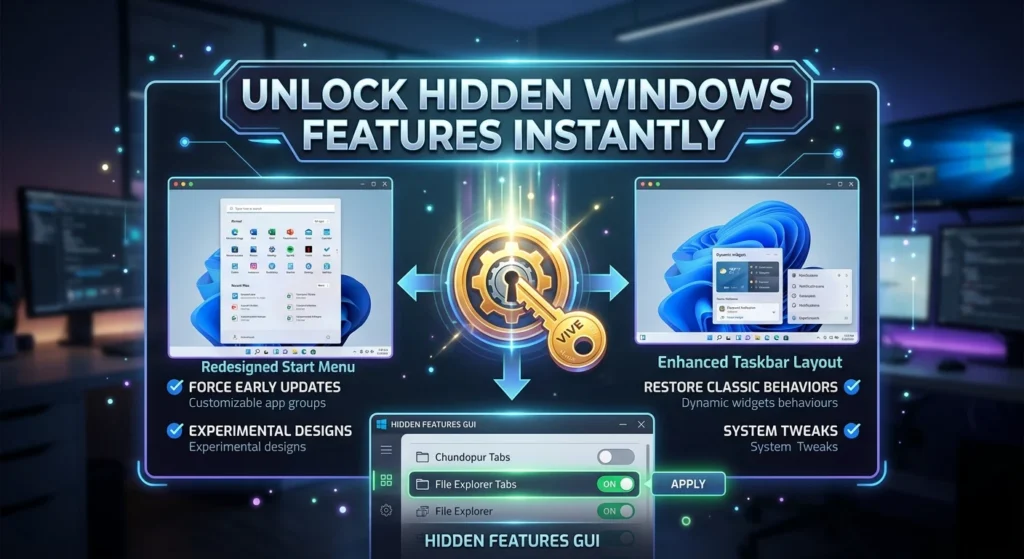
ViVeTool, a lightweight application developed by the community, acts as a master key for your operating system. If you prefer to avoid typing commands into a terminal, there is a free Microsoft Store app called Hidden Features GUI that gives ViVeTool a sleek, visual interface. It lets you query, enable, and disable hidden Windows configurations with a single click.
How to Unlock Hidden Windows Features Instantly
Getting started is straightforward. Once you run the Hidden Features GUI, a clean dashboard replaces the command line entirely. You can browse through a massive list of dormant features and toggle them on or off at will.
Here is what you can do once you unlock the tool:
- Force early feature updates: Skip the queue and get new File Explorer tabs, redesigned menus, and search updates immediately.
- Toggle experimental designs: Try out interface layouts that Microsoft is still quietly testing behind closed doors.
- Restore classic behaviors: If you dislike a recent change Microsoft forced on you, you can often use the tool to revert to older, more familiar layouts.
This gives you complete control over your operating system. You no longer have to wait weeks or months for Microsoft to activate a feature you read about online, as you can often find the first thing technicians check on slow PCs to keep your system running optimally.
Deeper Customization With Windhawk
If you want to take your PC customization beyond just activating dormant Microsoft updates, you should look into Windhawk. It is another entirely free, open-source tool designed to help you tweak aspects of Windows in ways that developers usually block.
Unlock Hidden Windows Features With Over 500 Tweaks
Windhawk uses a highly sophisticated code injection engine to modify how Windows behaves. It has quickly grown to over 1.5 million users, and even some Microsoft employees have expressed enthusiasm for how well it works. With Windhawk, you can customize the taskbar, modify individual app behaviors, and fine-tune your desktop environment to fit your exact workflow.
A Safer Way to Mod Your OS
Unlike older registry hacks that can easily break your system, Windhawk lets you apply and remove tweaks instantly. If a specific modification causes a glitch, you simply toggle it off in the app. It is a highly modular approach that removes the fear of customizing your PC.
The Safety of Forcing Hidden Features
Modifying system-level settings always carries a small amount of risk. Because these dormant features are technically experimental or in the process of rolling out, they might occasionally cause minor system instability. You should take a couple of quick precautions before starting.
First, always create a system restore point. If something goes wrong, you can easily roll your PC back to exactly how it was before you started tweaking. Second, remember that both ViVeTool and Windhawk require administrator privileges to work. Make sure you download them from trusted, official sources like GitHub or the official Microsoft Store to keep your system secure.
Your PC should work the way you want it to. With free tools like ViVeTool and Windhawk, you do not have to settle for the default, locked-down experience anymore.