(302) 262 8484
Why IT Pros NEVER Leave This Bluetooth Setting On

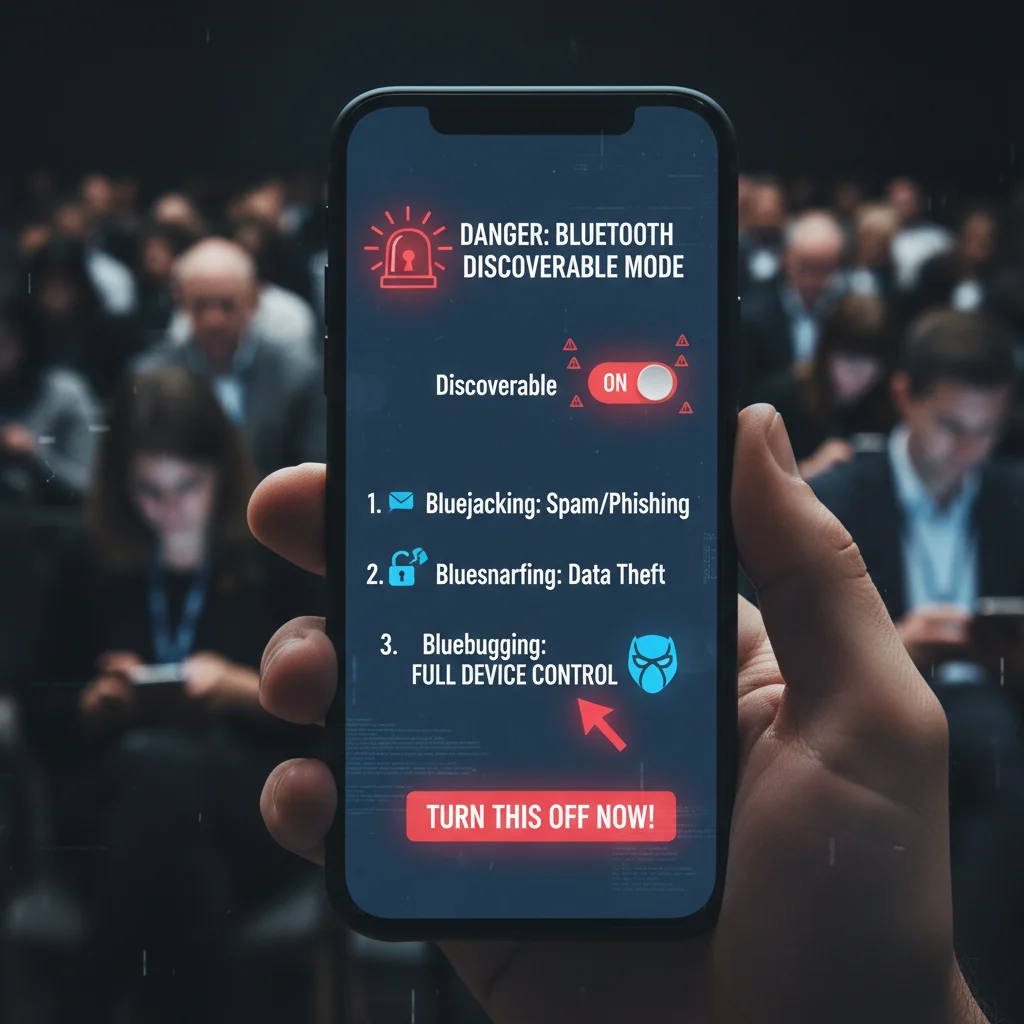
Walk into any cybersecurity conference and check the phones of the experts in the room. You will notice a common trend. Very few of them leave this Bluetooth setting on. We are talking about the constantly broadcasting discoverable mode.
Most of us buy a new phone, pair our favorite wireless earbuds, and never look at our Bluetooth menus again. That is a massive security blind spot. Leaving your device constantly visible to the world is like walking through a crowded mall wearing a nametag that lists your phone number and home address.
It just invites trouble.
The Danger of Always-On Discovery
When your phone or laptop is in discoverable mode, it constantly broadcasts a radio signal. It is actively shouting to every device within a 30-foot radius that it exists and is ready to connect.
Hackers absolutely love this, especially when they are targeting small business cybersecurity protection.
They use cheap, easily available tools to scan public areas for open connections, often looking for common public wifi risks and attacks. If your device is broadcasting, it becomes a target. Once an attacker finds your open signal, they can launch several types of attacks without you ever looking at your screen.
Common Wireless Attacks
- Bluejacking: This is the digital equivalent of a prank call. Attackers send unsolicited messages or images to your device. It is mostly annoying but can be used to push phishing links, so you should learn how to spot an email scam before it is too late.
- Bluesnarfing: This is where things get serious. A hacker exploits your open connection to steal data. They can silently grab your contacts, emails, and text messages.
- Bluebugging: The worst-case scenario. The attacker gains actual control over your phone, which is why understanding how someone can lock you out of your own computer is so vital. They can listen to your calls, read your messages, and even access the internet through your data plan.
The Difference Between Bluetooth Being “On” and “Discoverable”
Here is the thing most people get wrong. You do not need to turn your wireless connections completely off to stay safe.
There is a huge difference between having Bluetooth enabled to talk to your smartwatch and having it actively broadcasting to strangers. Once your headphones or car stereo are paired, they remember your device. You can turn off discoverability and your gadgets will still work perfectly.
You only need discoverable mode when you are pairing a brand new accessory for the very first time. After that, shut it down.
How to Lock Down Your Device
Securing your phone takes about ten seconds.
On an iPhone, Apple actually makes this fairly simple. When you open your Bluetooth settings, your phone is only discoverable while you stay on that specific menu screen. The moment you close the settings app, you drop off the radar completely.
Android devices can be a bit trickier because menus vary by manufacturer. Generally, you want to open your settings and look for connected devices or Bluetooth preferences. Find the toggle labeled “Bluetooth visibility” or “Discoverable” and switch it off.
If you want a deeper dive into securing your mobile device, see our guide on the reality of modern data privacy.
Other Bluetooth Habits Tech Pros Avoid
Turning off discoverable mode is a great start. But if you want to treat your phone like an IT professional does, you need to look at a few other habits.
- Purge your paired list. Look at the list of devices saved in your phone. You probably have rental cars from three years ago and cheap speakers that broke in 2021 still sitting there. Delete them. Hackers can spoof the names of common devices to trick your phone into auto-connecting.
- Turn it off in airports. High-traffic areas are prime hunting grounds for data thieves. If you are sitting at a busy departure gate, just turn the feature off entirely until you are on the plane.
- Update your firmware. Wireless vulnerabilities are discovered all the time. When Apple or Google pushes a security patch, install it immediately.
Convenience is great. We all love wireless audio and seamless data transfers. But leaving your digital front door wide open just to save three seconds of pairing time is a bad trade.
Take control of your settings today. Your data will thank you.